Carrier consolidation (Fragtkonsolidering)
Carrier consolidation lets you group outgoing parcels onto shared physical units — pallets, cages, or roll containers — before the carrier collects them. It's switched on per shipping provider (for example GLS).
You'll find Carrier consolidation under Settings.
Overview
The Carrier consolidation page shows all the consolidations you've set up, one line per shipping provider.
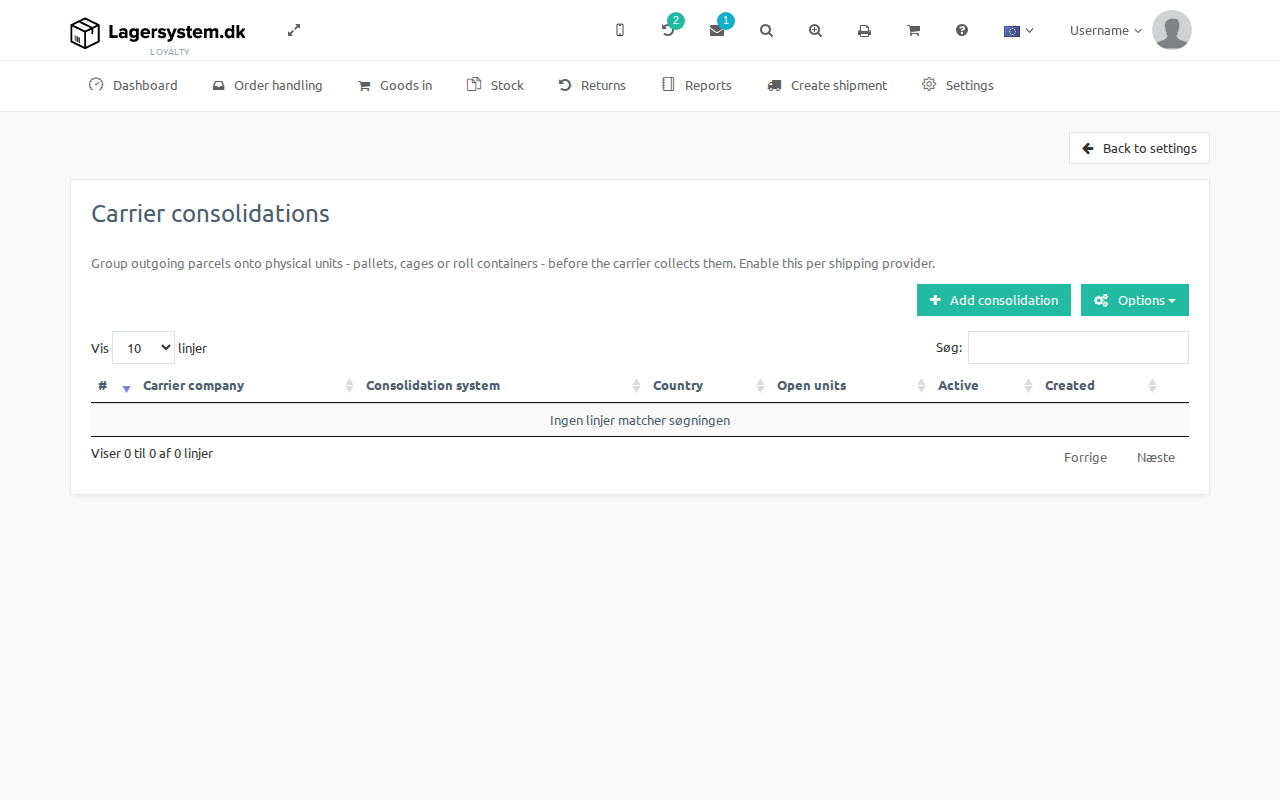
At the top of the page is the Carrier consolidation switched on checkbox, which is a master switch for the whole module. When it's switched off, packers are not asked to put parcels on a unit, and the label page offers no units — but the consolidations set up below are kept and apply again as soon as the module is switched back on.
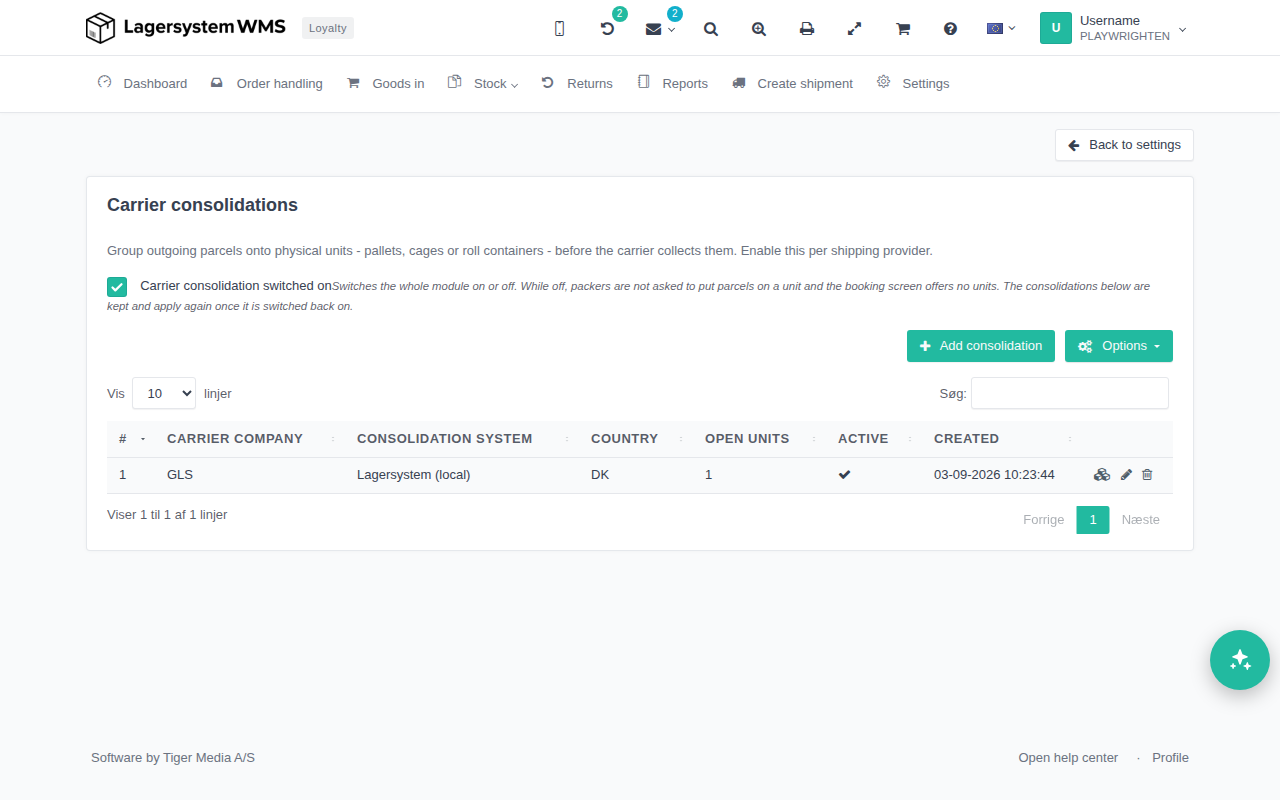
For each provider, the table shows:
- Carrier company — the shipping provider the consolidation applies to.
- Consolidation system — which underlying system manages the physical units for that provider.
- Country — the country the consolidation is set up for.
- Open units — how many units are currently open for that provider.
- Active — whether the consolidation is switched on.
- Created — when it was created.
Active is an on/off switch you can click directly in the overview to enable or disable a shipping provider's consolidation, without having to open the edit dialog.
Click Add consolidation to set up a new one.
Adding a consolidation
The Add consolidation dialog configures a single provider:
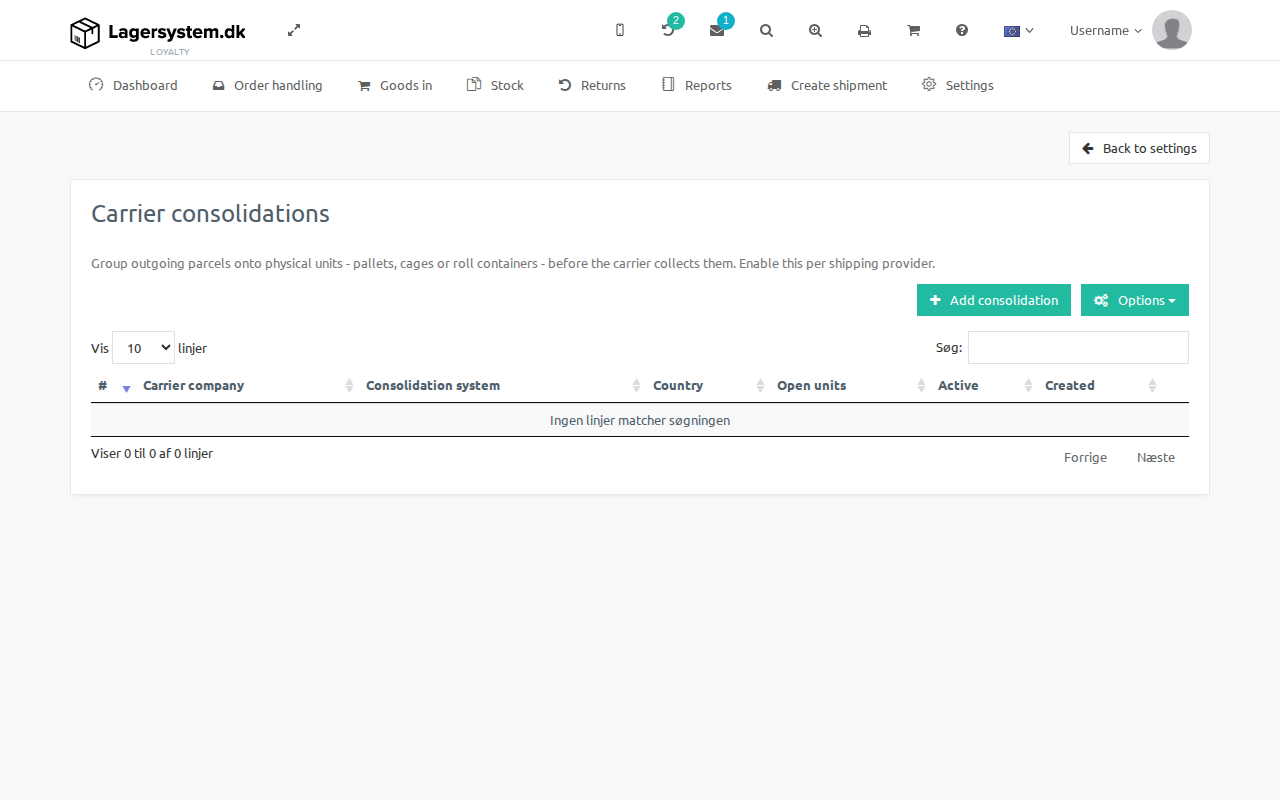
- Carrier company — the shipping provider this consolidation applies to.
- Consolidation system — the system that manages the units. When the local system (Lagersystem (local)) is selected, two extra fields are shown:
- Prefix for unit number — placed in front of the running number, e.g.
CU00000142. - Routes — one route per line; these are the ones that can be selected when a new unit is created.
- Prefix for unit number — placed in front of the running number, e.g.
- Country — the country the consolidation applies to.
- Reference — a reference prefix used on units created under this consolidation.
- Active — whether the consolidation is in use.
Save with Save, or click Cancel to discard the changes.
Managing a shipping provider's units
Clicking into a consolidation opens its units page, where the physical units for that provider are opened, tracked, and closed.
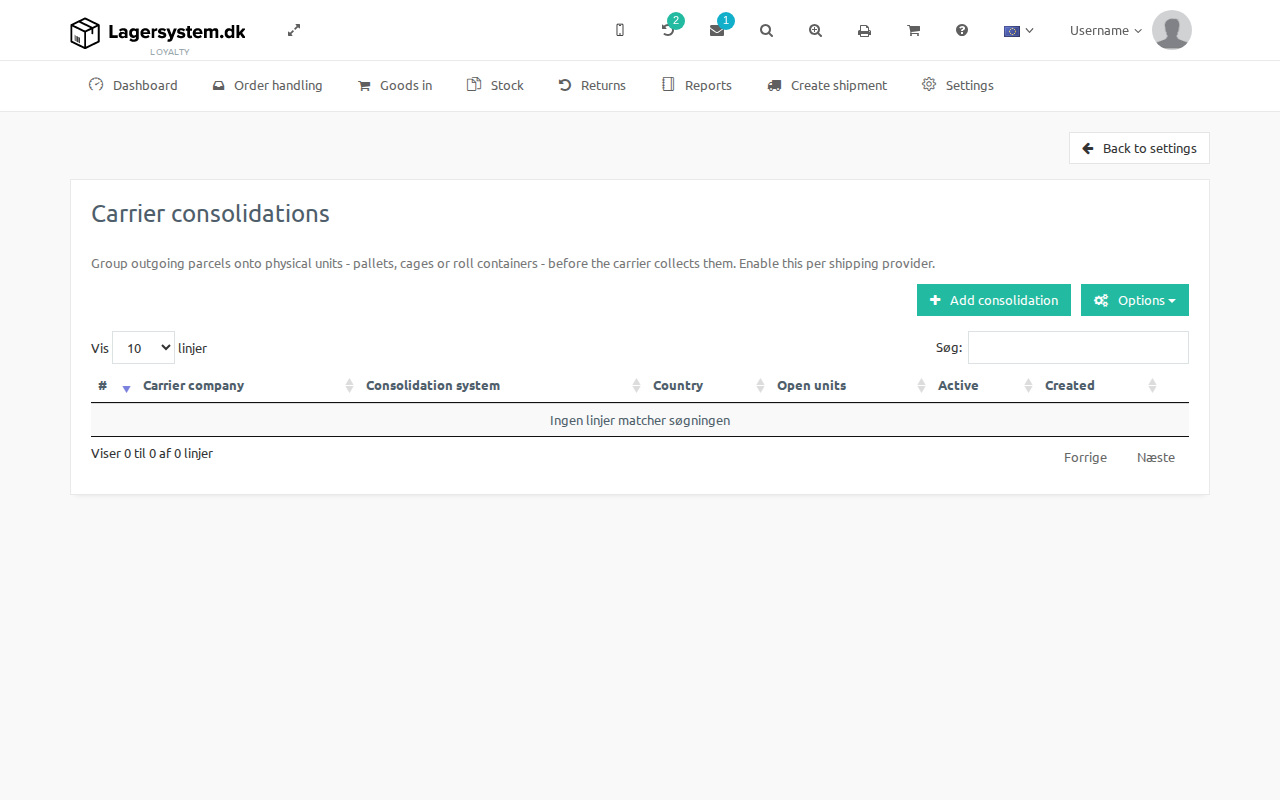
From this page you can:
- Open a new unit, optionally choosing a subcarrier, a route, a reference, and rules that restrict which shipping methods, countries, or postal code ranges the unit accepts.
- See all open and closed units for the shipping provider, including how many parcels are on it and when it was closed.
- Click a unit's manifest icon to see the parcels physically placed on it, and move a single parcel to another open unit if it was assigned to the wrong one.
- Save a frequently used combination of subcarrier, route, and destination rules as a template, so a new unit can later be opened based on the template instead of filling in all the fields again.
Choosing a unit when generating a label
When you generate a label for a provider that has carrier consolidation switched on, the label generation screen lets you choose which of the currently open units the parcel should be booked on.
Consolidation unit on the order
On an order, the label history in the shipment tab shows which consolidation unit each generated label was placed on, with a link back to the unit's page.