Colour scheme for the Return system's return portal
In the Return system (RMA portal) you can style the portal's colours yourself, so it matches your own brand. This is done using five colour pickers in the Return system's settings.
Where to find the setting
- Go to the Return system's settings page (
/stockmanagerreturn/settings), and click the Settings tab.
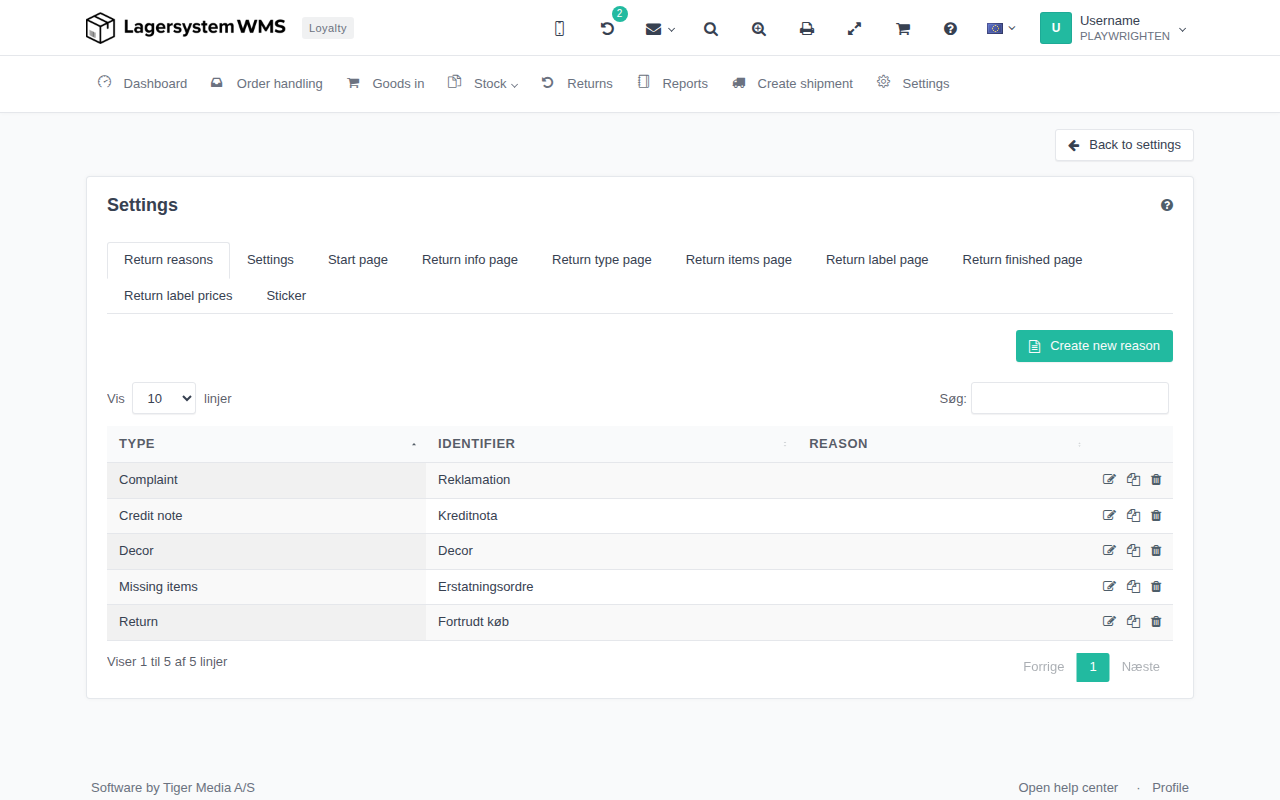
Colour fields
Under the Settings tab you'll find five colour pickers:
- Primary — the main colour, used for e.g. buttons and links.
- Secondary — a supporting colour.
- Background — the page's background colour.
- Surface — the colour of cards/panels on top of the background.
- Text — the default text colour.
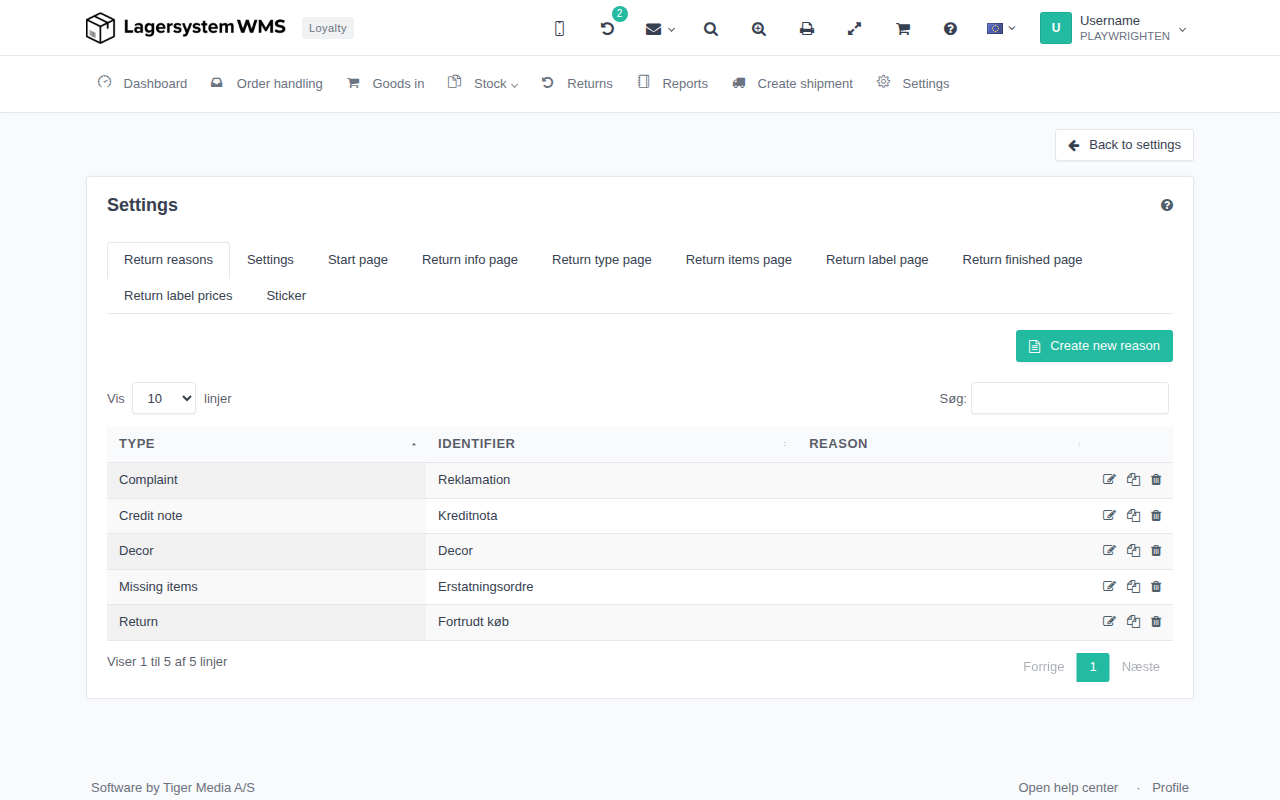
Each field has a colour picker that you can set to the colour you want. If you don't touch the fields, the portal uses its own default appearance.