Custom questions report
This report shows every answer given to your custom questions across orders in a given period – whether the answer was given on the web or on the scanner.
- Go to Reports → Custom questions report.
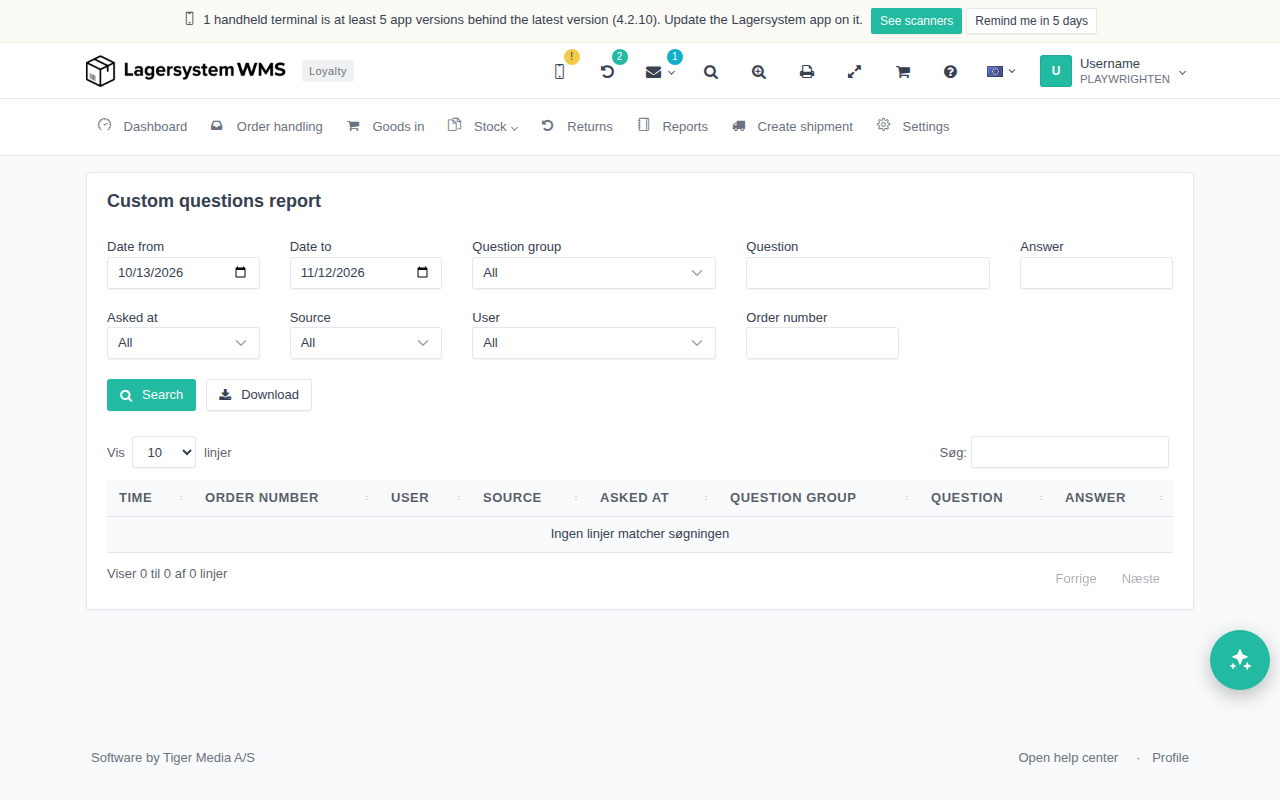
Filters
At the top of the page you can narrow down which answers are shown:
- Date from / Date to – the period the answers were given in. By default the page shows the last 30 days.
- Question group – a dropdown with the groups that actually occur among the saved answers.
- Question – free-text search in the question's wording.
- Answer – free-text search in the answer itself.
- Asked at – when in the order flow the question was asked.
- Source – whether the answer was given on Web or on Scanner.
- User – a dropdown with the users who have answered questions.
- Order number – only show answers from one particular order.
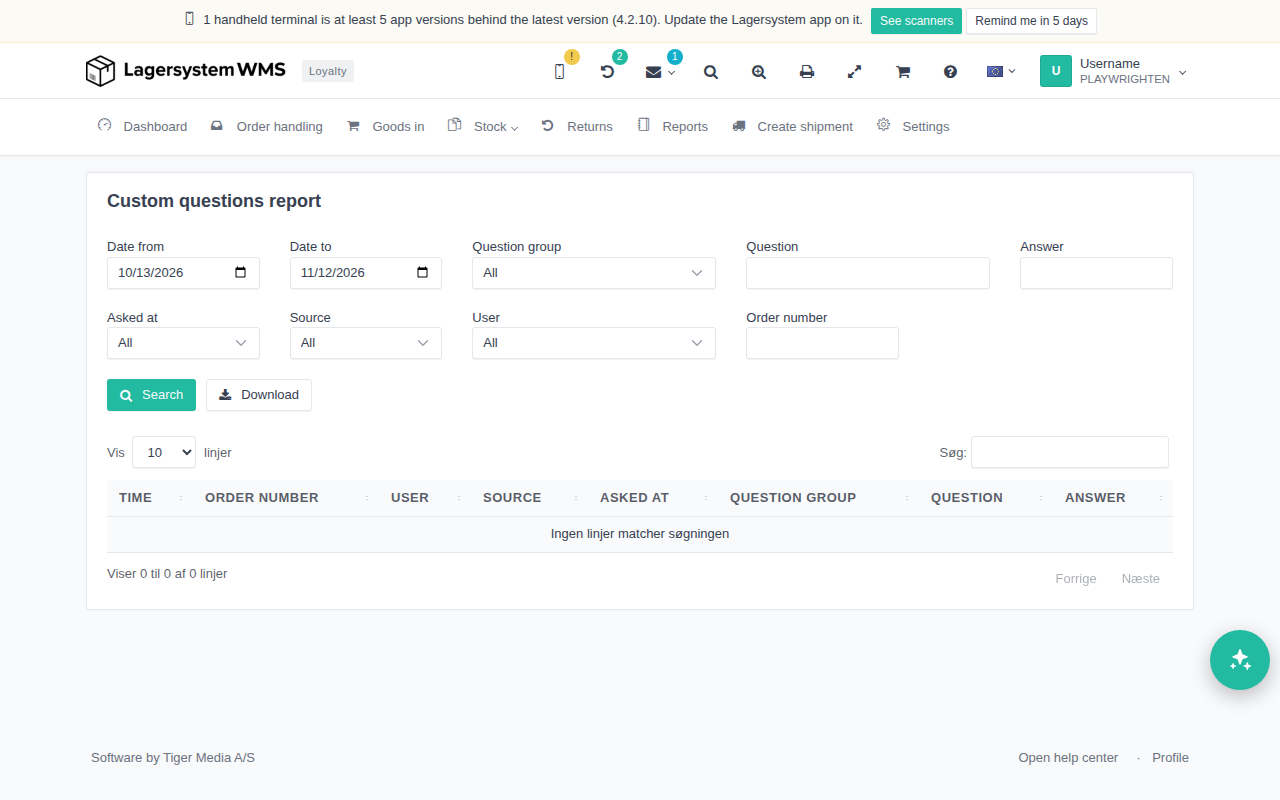
Click Search to fetch the answers for the selected filters. The dropdowns for question group and user are refilled every time you search, so they always reflect what actually exists in the fetched data set.
The results table
The table shows one line per answer, with the columns Time, Order number, User, Source, Asked at, Question group, Question and Answer. The order number is a link directly to the order.
The table shows at most the newest 2,000 answers. If your filters match more, a message is shown above the table stating that only part of the results is shown, and that you need to narrow the period or filters to see the rest.
Download
The Download button fetches the same filtered answers as an Excel file (.xlsx). The download holds up to 20,000 answers – far more than the table – but if the file was stopped before the end of the period, this is indicated by a final line in the spreadsheet.