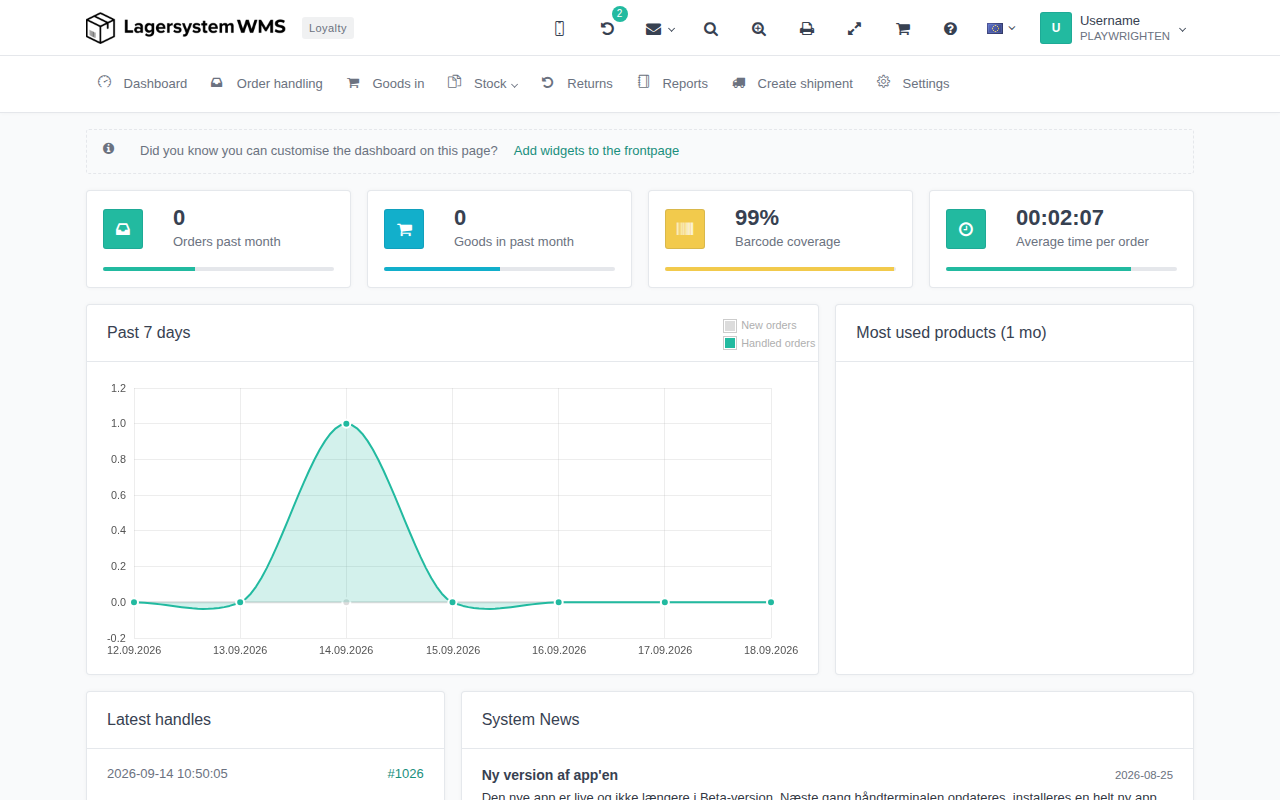
Cancel orders
Orders in Lagersystem can now be cancelled instead of deleted. When an order is cancelled, three things happen:
- The order is marked with the status Cancelled in Lagersystem.
- If the order was created from a connected webshop or ERP, it is also cancelled there, if the integration supports it.
- The order remains in the order archive for documentation purposes, but disappears from the regular order list.
Any picked or parked items on the order are automatically cancelled, and if a mail template of the type Order cancelled has been created, Lagersystem will itself send a cancellation email to the customer.
A cancellation cannot be undone. The order is not deleted, but the action in the webshop/ERP system and any email sent to the customer cannot be reversed.
Cancel a single order
- Open the order that is to be cancelled.
- Select Cancel order in the order's action menu.
- Confirm the dialog "Are you sure you want to cancel this order? This cannot be undone."
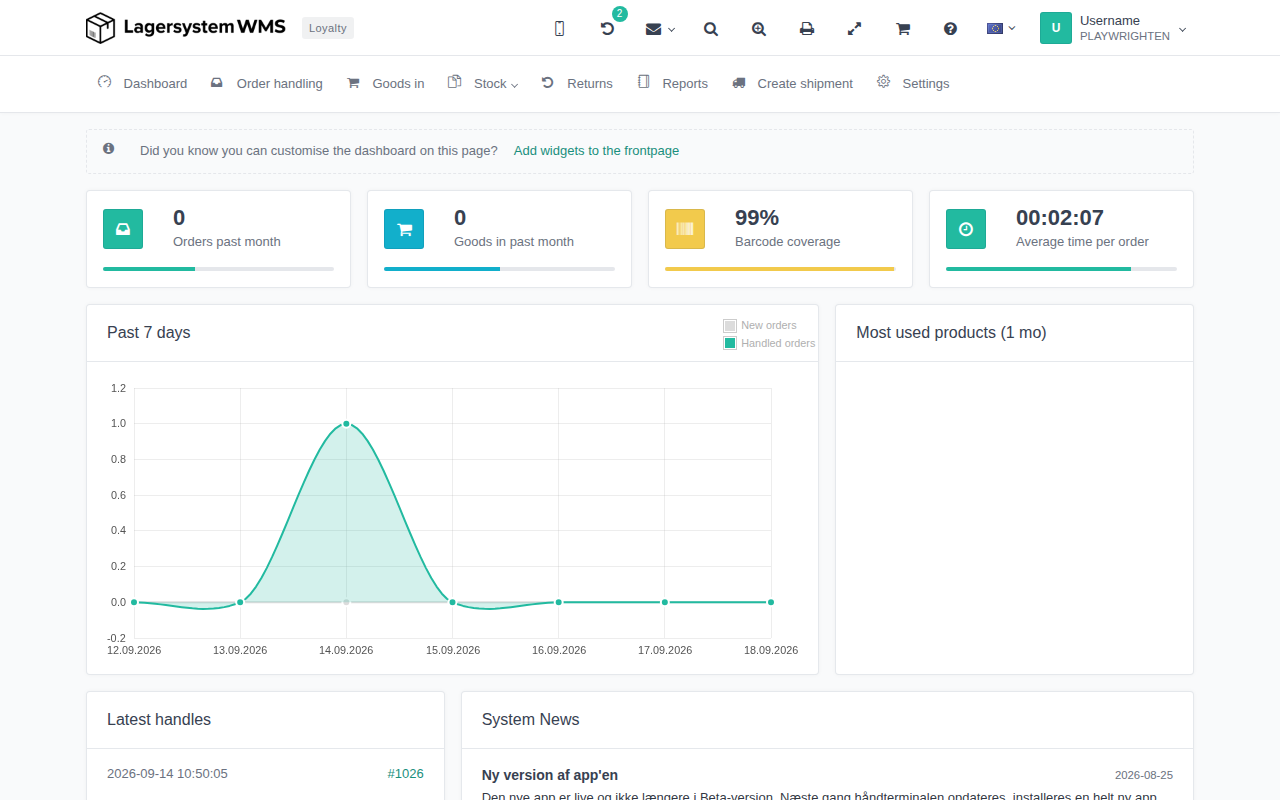
If the warehouse uses full location management, and the order has the status Picked, Parked, or Conflict, you will be asked along the way to specify which location the reserved items should be returned to before the cancellation is completed.
Cancel order is disabled (and shows an explanatory text if you hover over the button) when the order:
- has already been cancelled,
- has been processed or shipped,
- has been partially or fully delivered,
- has been loaded onto a handheld terminal, or
- is part of a consolidated order (release it from the consolidated order first).
Cancel multiple orders at once
From the order list, you can select multiple orders and run the cancellation as a bulk action. Each order goes through the same checks as with single cancellation, and the result ("Order cancelled" or an error message) is shown for each individual order along the way.